
If you’re starting with electronics, robotics, or DIY tech projects, you’ve likely seen the Arduino vs Raspberry Pi debate.
But which one should you use?
While they might seem similar at first glance, Arduino and Raspberry Pi serve very different purposes. One is a microcontroller designed to control hardware directly, while the other is a full mini-computer capable of running an operating system.
In this guide, we’ll break down the difference between Arduino and Raspberry Pi, explain when to use each one, and even explore practical tasks like how to mount sda1 in Raspberry Pi and what Raspberry Pi 5 game software options are available.
By the end, you’ll know exactly which platform fits your project.
The Fundamental Difference Between Arduino vs Raspberry Pi
The key difference is that Arduino and Raspberry Pi are different types of computers.
What Is Arduino?
Arduino is a small, open-source electronics platform for building interactive hardware projects. It uses a tiny microcontroller that reads sensor signals and controls devices such as LEDs, motors, and relays. The platform was designed to make electronics easier for beginners and useful for engineers.
Unlike a normal computer, Arduino does not run a full operating system. Instead, you upload a single program to the board, and it keeps running it. This simple setup makes Arduino highly reliable for tasks that require quick, direct hardware control.
Because Arduino’s code is lightweight, it starts quickly and uses little power. This efficiency makes it common in battery-powered and automation projects.
Common uses of Arduino include:
- Controlling LEDs and sensors
- Building small robots
- Automating home systems
- Creating IoT devices
- Controlling motors and relays
Example:
For instance, you can use Arduino to build an automatic plant watering system. A moisture sensor checks the soil, and when the soil becomes dry, the Arduino automatically turns on a small water pump.
What Is Raspberry Pi?
Raspberry Pi is a proper single-board computer, and that distinction matters. Unlike Arduino, it runs a full operating system, most commonly a version of Linux.
This means a Raspberry Pi can:
- Browse the internet
- Run applications
- Connect to a monitor and keyboard.
- Host servers
- Run AI or automation software.
The Raspberry Pi is commonly used for:
- Home automation systems
- Media centers
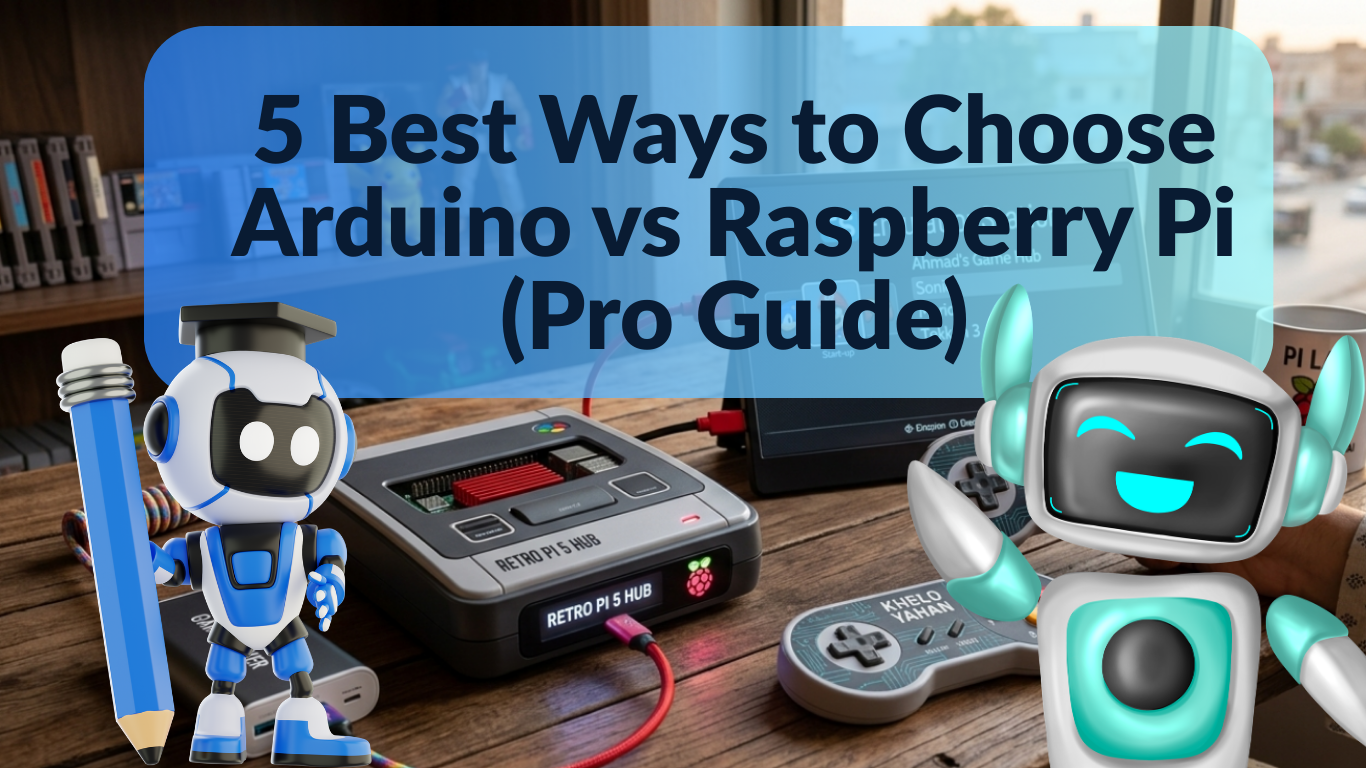
- Retro gaming consoles
- Web servers
- Coding and programming education
In many US schools, Raspberry Pi is used to teach students programming with Python and Linux.
Technical Comparison: Under the Hood
When we look at the difference between Arduino and Raspberry Pi, the hardware specs tell a big story.
| Feature | Arduino (Uno R4) | Raspberry Pi 5 |
| Processor | 32-bit ARM (48 MHz) | 64-bit Quad-core (2.4 GHz) |
| RAM | 32 KB | 4GB or 8GB |
| Operating System | None (Firmware only) | Linux (Raspberry Pi OS) |
| Power Consumption | Very Low (milliwatts) | Higher (requires 5V/5A) |
| Connectivity | Wi-Fi/BT (on some models) | Wi-Fi, BT, 2x Micro HDMI, USB 3.0 |
Simple Way to Remember
Think of it like this:
- Arduino = Smart remote control
- Raspberry Pi = Tiny computer
Each platform excels in different situations.
When Should You Use Arduino?
Arduino is ideal for real-time control of hardware components.
Use Arduino if your project involves:
- Sensors
- Motors
- Robotics
- Timing-critical operations
- Battery-powered devices
Because Arduino doesn’t run an operating system, there are no background processes interrupting the program.
This makes it perfect for tasks that require precise timing.
Example Projects
- Automatic greenhouse monitoring
- Smart door locks
- Temperature control systems
- DIY drones
Many American makerspaces and STEM programs use Arduino for robotics competitions.
When Should You Use Raspberry Pi?
Choose Raspberry Pi when your project needs processing power, networking, or multimedia capabilities.
The Raspberry Pi works best for:
- Web servers
- Home automation hubs
- AI experiments
- Gaming consoles
- Media streaming. For example, a developer in Texas might use a Raspberry Pi to run a home security system with camera monitoring and remote access.
It can even run desktop software like:
- LibreOffice
- Chromium browser
- Python programming tools
Raspberry Pi 5 Game Software: What You Can Run
The release of Raspberry Pi 5 significantly improved performance.
With better CPU and GPU power, it can run several retro and lightweight games.
Popular Raspberry Pi 5 game software options include:
RetroPie
RetroPie is one of the most popular gaming platforms for Raspberry Pi.
It allows you to emulate classic consoles like:
- NES
- SNES
- Sega Genesis
- PlayStation 1
Lakka
Lakka turns your Raspberry Pi into a complete retro gaming console using the RetroArch framework.
Steam Link
You can also stream games from a gaming PC using Steam Link. This allows the Raspberry Pi to function as a living room gaming client.
Example:
Many US gamers build DIY retro arcade machines using Raspberry Pi.
How to Mount sda1 in Raspberry Pi
If you connect a USB drive or external storage to a Raspberry Pi, you may need to manually mount it.
Here’s a simple, beginner-friendly guide to mounting sda1 on a Raspberry Pi.
Step 1: Open Terminal
Start by opening the terminal window.
Step 2: Check Available Drives
Run the following command:
lsblk
You’ll see storage devices listed. Look for /dev/sda1.
Step 3: Create Mount Directory
sudo mkdir /mnt/usb
Step 4: Mount the Drive
sudo mount /dev/sda1 /mnt/usb
Step 5: Access the Files
Now you can access the USB drive at:
/mnt/usb
This is useful when transferring project files or backing up data.
Can Arduino and Raspberry Pi Work Together?
Yes — and this is where things get really powerful.
Many advanced projects use both platforms together.
For example:
- 1. The Hybrid Setup: How They Work Together
In many professional systems, Arduino and Raspberry Pi are used together. This is how the “labor” is divided:
| Arduino | Collects raw sensor data and controls hardware (motors/relays). | • Smart Homes• Industrial Automation• IoT Monitoring Systems |
| Raspberry Pi | Processes the data, runs the UI, and sends info to the Cloud. | Example: A Silicon Valley startup using sensors to track environmental data. |
2. Arduino: Pros & Cons
Ideal for simple, repetitive, and high-reliability hardware tasks.
| Extremely beginner-friendly: Easy to learn and code. | Limited memory: Cannot store large amounts of data. |
| Low power consumption: Can run on a small battery for a long time. | No operating system: Can only run one program at a time. |
| Reliable hardware control: Great for precise timing. | No heavy computing: Cannot handle video or complex math. |
| Cheap: Very affordable and widely available in the US. |
3. Raspberry Pi: Pros & Cons
Ideal for data processing, networking, and complex software applications.
| Full Operating System: Works like a real computer (Linux). | Higher power consumption: Needs a consistent 5V power source. |
| Powerful Processor: Can handle multitasking and 4K video. | Slower boot time: Takes time to start up (like a PC). |
| Built-in Networking: Comes with Wi-Fi and Bluetooth. | Not ideal for precise timing: OS background tasks can cause delays. |
| Advanced Apps: Can run AI, web servers, and databases. |
Internal Linking Ideas
To improve SEO and user experience, consider linking this article to:
- Beginner Guide to Raspberry Pi Projects
- Top Arduino Projects for Beginners
- How to Build a Smart Home with Raspberry Pi
These articles would help readers explore related topics.
External Reference Idea
You can cite educational resources from MIT’s maker labs or the Raspberry Pi Foundation for credibility and authority.
Frequently Asked Questions
Is Arduino better than Raspberry Pi?
Neither is better overall. Arduino is best for hardware control, while Raspberry Pi is better for software applications and computing tasks.
Can Raspberry Pi replace Arduino?
In some cases, yes, but Raspberry Pi isn’t ideal for real-time hardware control. Many projects still use Arduino for precise sensor interaction.
Is Raspberry Pi good for beginners?
Yes. Raspberry Pi is widely used in US schools to teach programming, Linux, and electronics.
Can Arduino run games?
Not really. Arduino lacks graphics processing power. Raspberry Pi, however, supports retro gaming through software like RetroPie.
Do engineers use Arduino professionally?
Yes. Arduino is used in rapid prototyping, research labs, robotics development, and educational environments.
Conclusion: Which One Should You Choose?
The Arduino vs Raspberry Pi debate isn’t really about which is better; it’s about choosing the right tool for your project.
If you’re building something that interacts directly with hardware, such as sensors or motors, Arduino is the better choice.
If you need computing power, networking, or multimedia capabilities, Raspberry Pi is the clear winner.
In fact, many of the most exciting DIY tech projects today combine both platforms to get the best of both worlds.
If you’re just getting started, try experimenting with small projects using each platform. Once you see their strengths firsthand, you’ll quickly discover which one fits your goals.
And who knows—your next weekend project might turn into the next big tech innovation.





Leave a Reply